
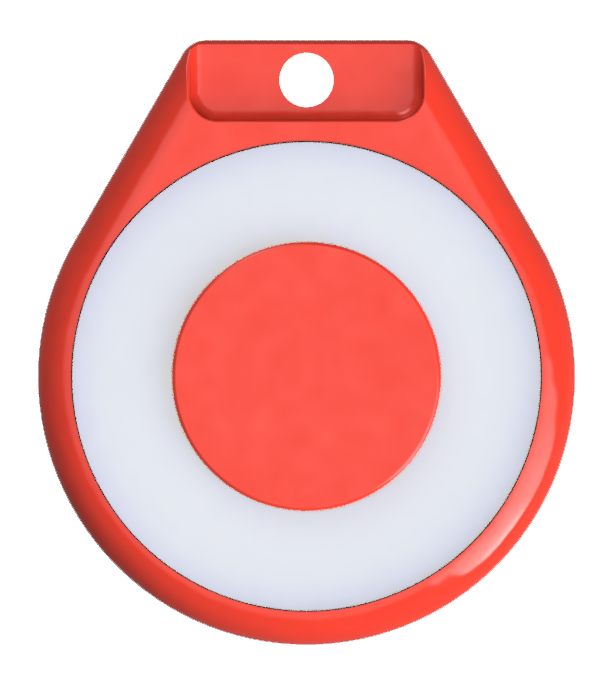
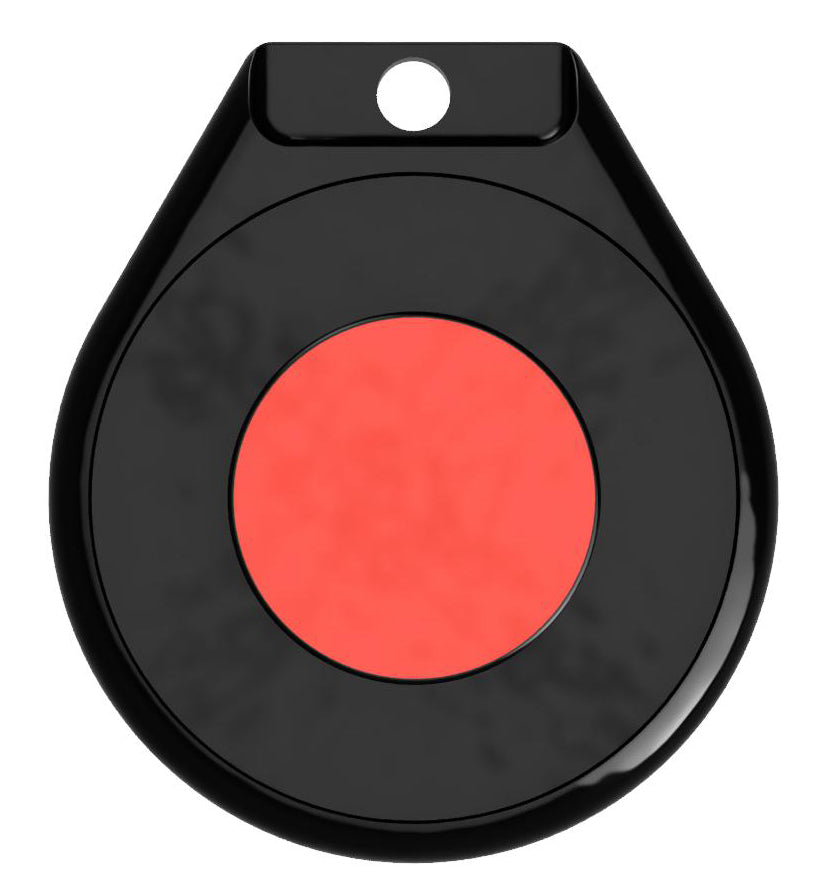

TapTags - Instructions, how to program your NFC TapTag
How to use your TapTags
For iPhone users, start by installing the TapTags App

Download the taptags app by clicking on the image below. Our Android app is almost ready. For now you can use any NFC utilities app.

For Android users
Visit the TapTags Android page and use our Android web app in Chrome to program your TapTag. Follow the on screen instructions, then tap the back of any NFC-enabled Android phone to instantly share.
Click here to program your Tag on Android
Adding your Social
Goto your social profile and copy the sharing link. Paste the link into the text field in the TapTagsApp. Place your TapTag at the top of your phone near the camera and press the Write TapTag Button.
Can I change the link?
You can change the tags data as often as you like. To show more than a single link, we recommend other services such as LinkTree where you can show multiple links.
Where do I tap?
| On iOS Devices tap near the top of any iPhone to instantly share. |
On Android NFC equipped Devices
tap the back of any NFC-enabled Android phone to instantly share. |
 |
 |